
BW Chat Guide (Formilla)
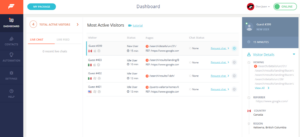
📘 BW Chat Guide (Formilla) Purpose This guide explains how to use Formilla Chat while on floor duty so we can respond to website visitors
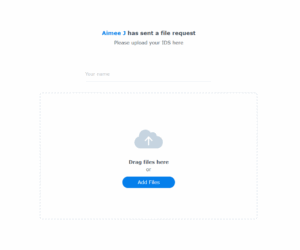
Create a File Request Link
1. Navigate to https://cloudboardwalk.com/ and login 2. Use File Station 3. Click “Boardwalk Cloud” 4. Navigate to the listing / deal folder 5. Right click
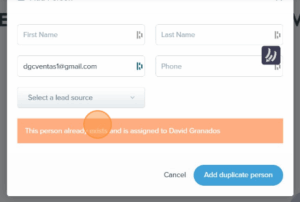
FUB Dupe Check
Learn how to properly search for existing leads and avoid duplicate entries in the system. This guide walks you through checking by name or email, recognizing system warnings, and following the correct steps when adding a new contact
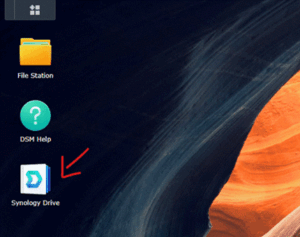
File Server 101
Learn how to access, share, and request files using our Synology-powered File Server. This step-by-step guide includes screenshots for logging in, sharing public links, requesting uploads from clients, and accessing files from your phone.
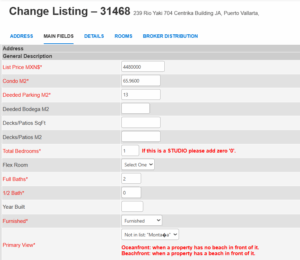
FlexMLS Change MXN Listing Price
1. Click here. 2. Click “Change Listing” 3. You can search by MLS# 4. Click “Next” 5. Click “Listing Information” 6. Double-click the “List Price
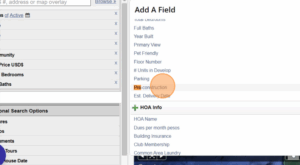
Flexmls Pre-Construction Search
In this guide, I’ll walk you through how to set up a custom search in Flexmls to display only pre-construction properties.
You’ll learn how to apply the right filters, navigate the search results, and save your search for quick access in the future, perfect for keeping tabs on new developments and upcoming inventory.