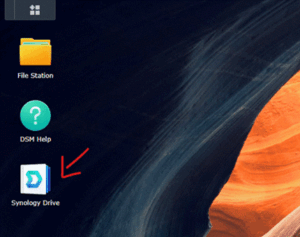
2. Use File Station

3. Click "Boardwalk Cloud"
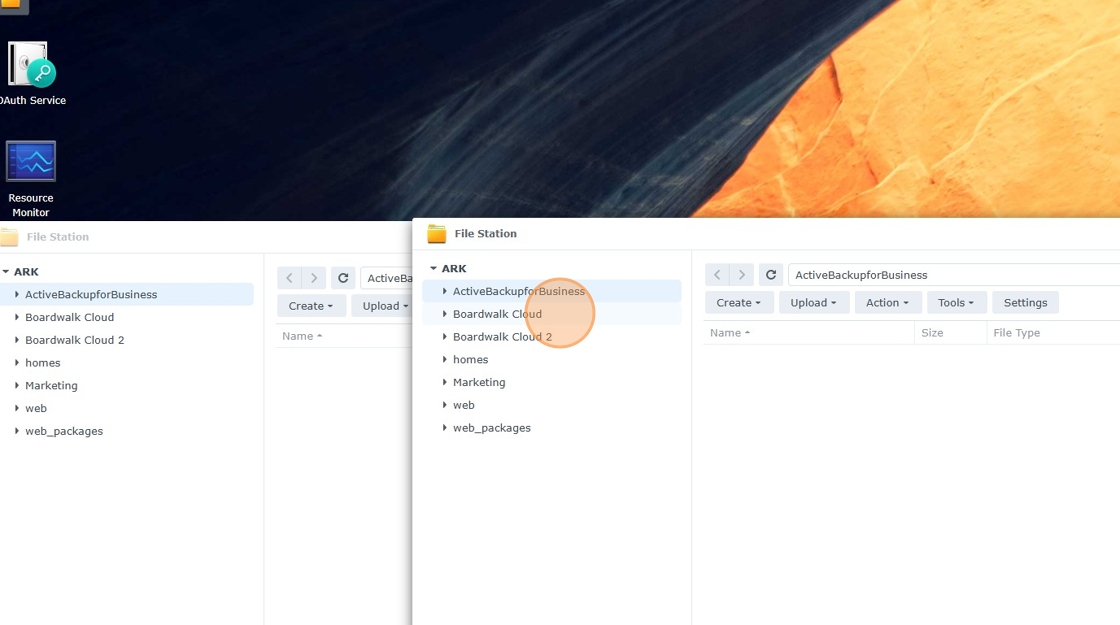
4. Navigate to the listing / deal folder

5. Right click and create a new folder

6. Right click " Client IDS"

7. Click "Create file request"

8. This is the link you'll share to your clients

9. You can password protect this request

10. Click here

11. Customize the message to your client

12. Click "Save"

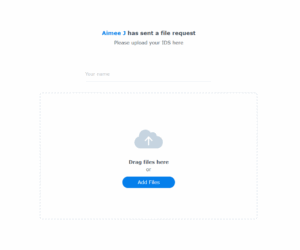
13. Your client will see something like this