
BW Chat Guide (Formilla)
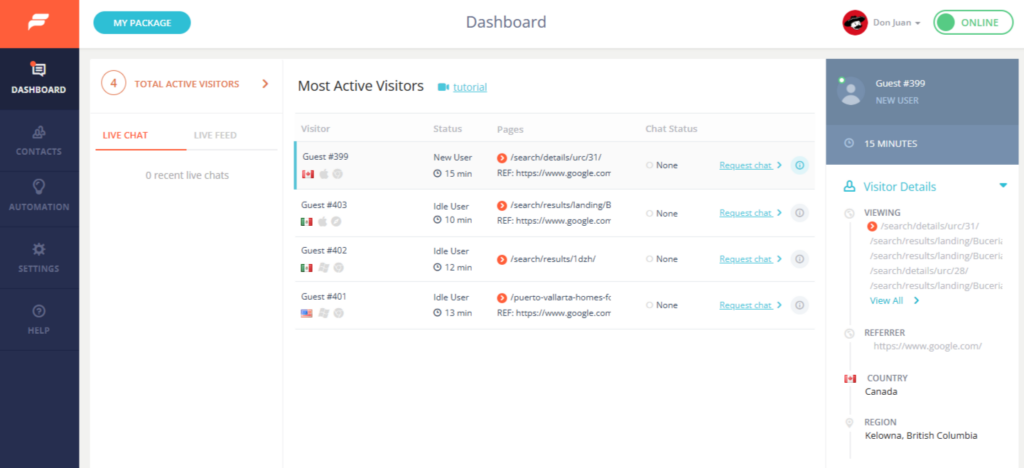
📘 BW Chat Guide (Formilla) Purpose This guide explains how to use Formilla Chat while on floor duty so we can respond to website visitors promptly and provide a strong first point of contact. When This Applies All team members assigned to floor duty are expected to be logged into Formilla and available to monitor […]
Create a File Request Link
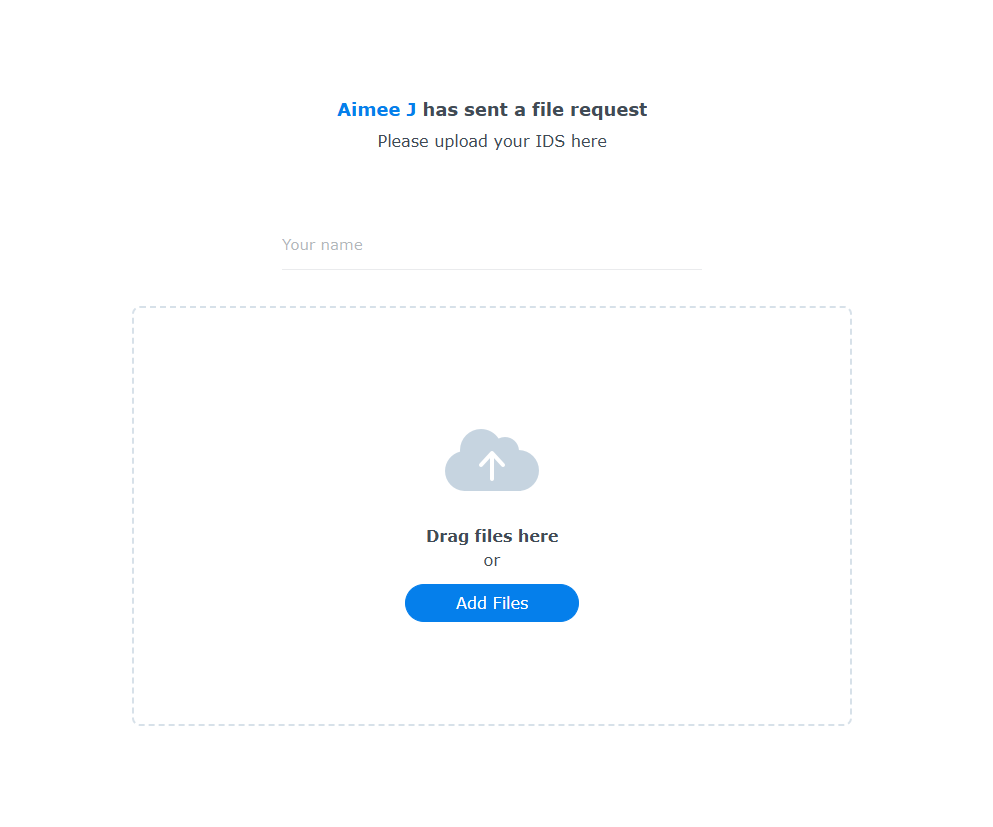
1. Navigate to https://cloudboardwalk.com/ and login 2. Use File Station 3. Click “Boardwalk Cloud” 4. Navigate to the listing / deal folder 5. Right click and create a new folder 6. Right click ” Client IDS” 7. Click “Create file request” 8. This is the link you’ll share to your clients 9. You can password protect […]
FUB Dupe Check
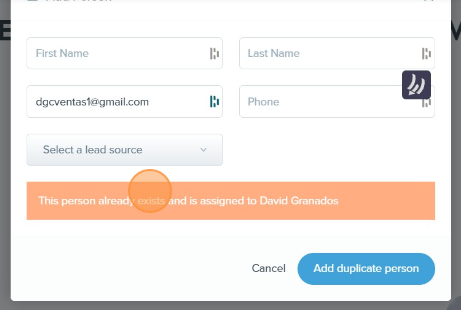
Learn how to properly search for existing leads and avoid duplicate entries in the system. This guide walks you through checking by name or email, recognizing system warnings, and following the correct steps when adding a new contact
File Server 101
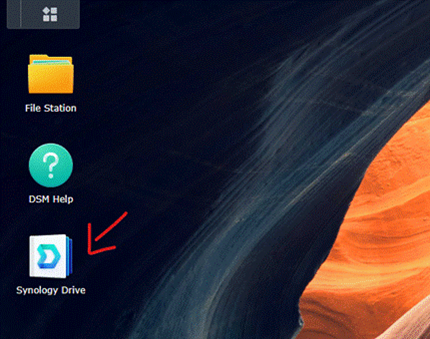
Learn how to access, share, and request files using our Synology-powered File Server. This step-by-step guide includes screenshots for logging in, sharing public links, requesting uploads from clients, and accessing files from your phone.
FlexMLS Change MXN Listing Price
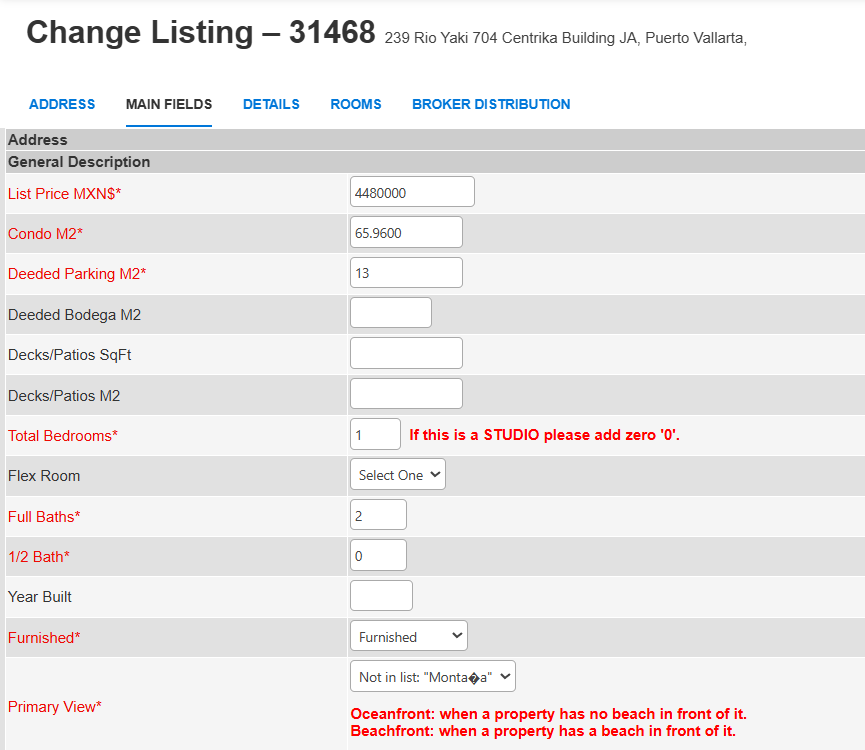
1. Click here. 2. Click “Change Listing” 3. You can search by MLS# 4. Click “Next” 5. Click “Listing Information” 6. Double-click the “List Price MXN” 7. Put your price there 8. Click “Save Changes”
Flexmls Pre-Construction Search
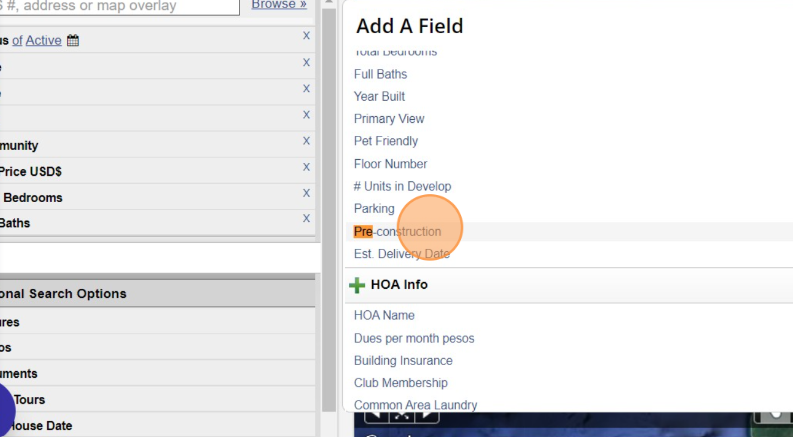
In this guide, I’ll walk you through how to set up a custom search in Flexmls to display only pre-construction properties.
You’ll learn how to apply the right filters, navigate the search results, and save your search for quick access in the future, perfect for keeping tabs on new developments and upcoming inventory.
Guide to Restricting PDF Editing Permissions
In this guide, I’ll show you how to restrict editing permissions on a PDF file using two simple methods.
Whether you’re working with Adobe Acrobat or prefer a free online tool like PDF2Go, you’ll learn how to protect your documents from unauthorized changes while keeping them easy to share and view.
How to Generate a Ranking Report in FlexMLS (Previosly Market Penetration Report)
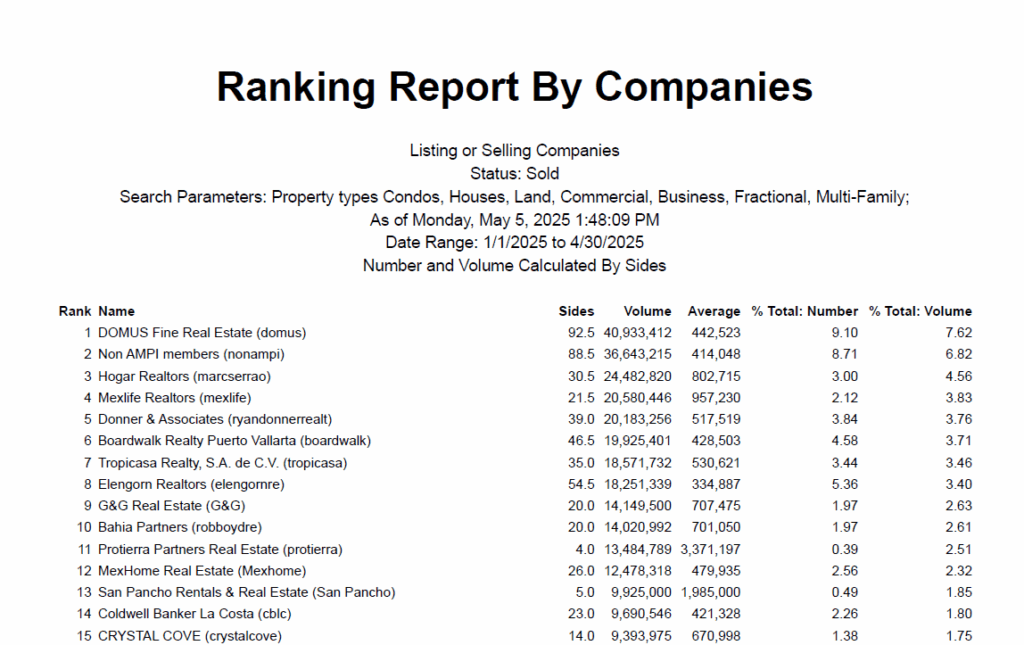
In this guide, I’ll show you how to generate a Ranking Report in FlexMLS (formerly known as the Market Penetration Report).
This report ranks real estate companies by sides and volume based on sold listings, giving you valuable insights into market share and performance across different agencies. You’ll learn how to filter by property types, date ranges, and other key parameters to get a detailed breakdown like the one shown below.